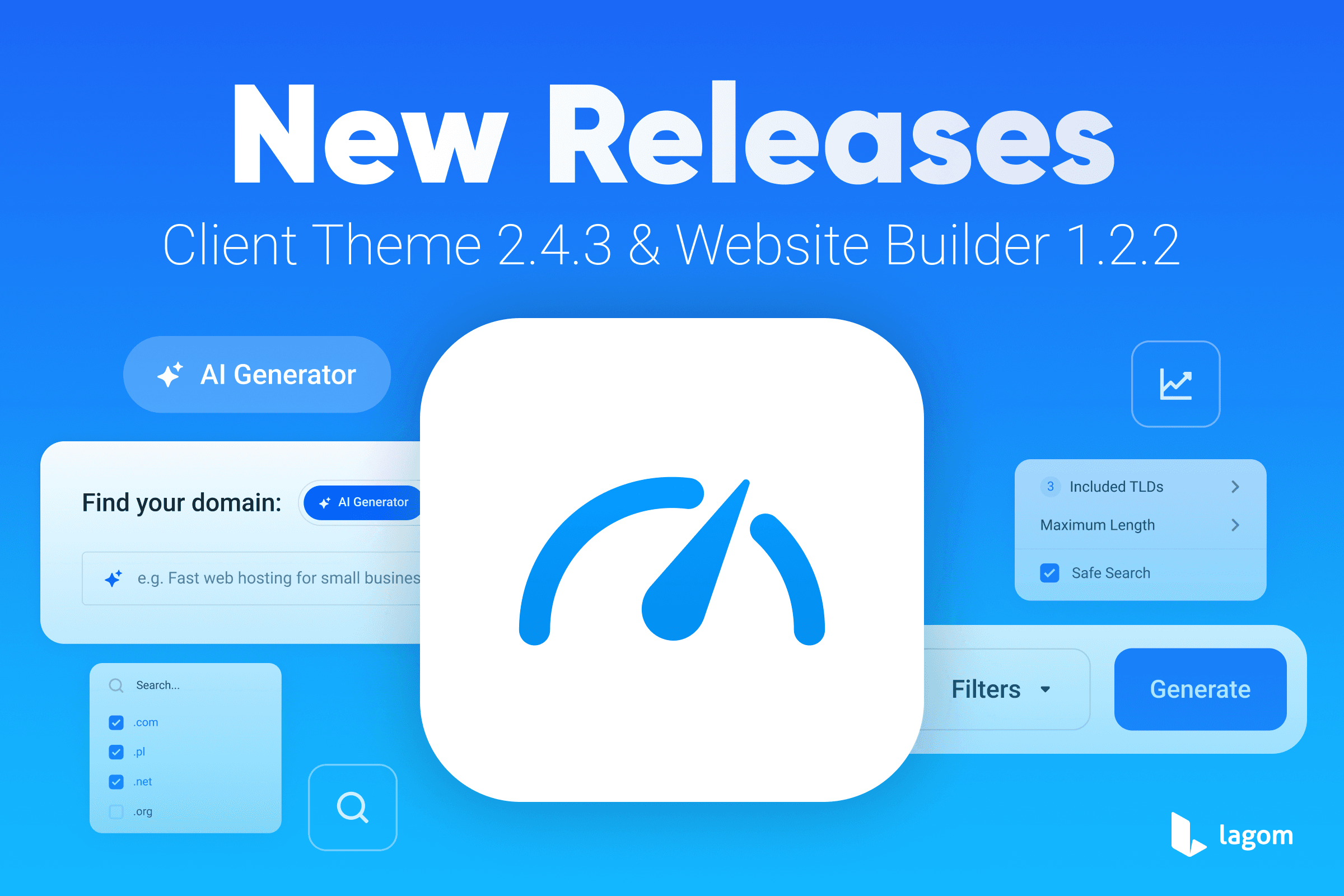
We are excited to announce the release of Lagom WHMCS Client Theme 2.4.3 and Lagom WHMCS Website Builder 1.2.2. This update focuses primarily on performance improvements across the Lagom platform, optimizing the internal structure and efficiency of both products to deliver a faster and smoother experience for administrators and customers.
Alongside these enhancements, the release also introduces support for WHMCS AI-Powered Namespinning, enabling AI-generated domain name suggestions directly within the Lagom WHMCS Client Theme ordering experience and Lagom WHMCS Website Builder sections.
See Full Changelog Get It Now!
Performance Improvements Across the Platform
Improved Efficiency Without Limiting Features
One of the main goals of this release was to enhance the overall performance of Lagom products without limiting any of their existing functionality. Instead of removing features to achieve better results, our team carefully reviewed and optimized the internal structure and source code of the Lagom WHMCS Client Theme and Lagom WHMCS Website Builder.
Through these improvements, we have ensured that:
- The theme loads more efficiently across different environments
- Administrative configuration remains smooth and responsive
- Customers experience faster interactions when browsing your website
These optimizations allow you to maintain full flexibility in configuration and customization, while still benefiting from improved responsiveness and performance.
Better Experience for Your Customers
Performance improvements also translate directly into a better experience for your clients. Faster page interactions and smoother navigation can significantly enhance how customers explore your services, browse products, and complete the ordering process. Resulting in overall customer satisfaction boost.
With this release, Lagom continues to provide a balance between powerful customization and efficient performance, helping your website remain both flexible and fast.
See Full Changelog Get It Now!
Support for WHMCS AI-Powered Namespinning
Lagom WHMCS Client Theme
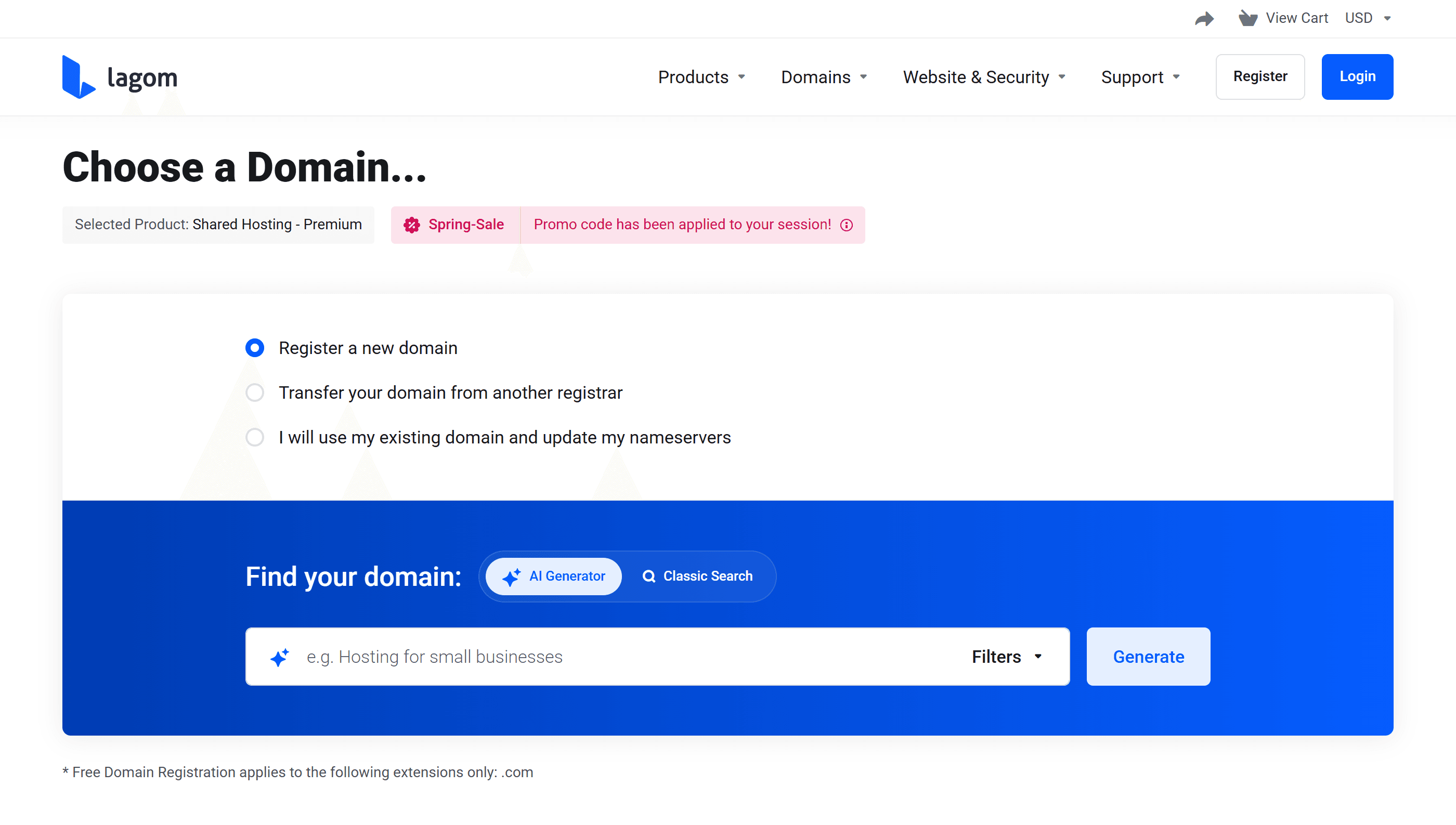
The Lagom WHMCS Client Theme now provides full support for this powerful feature directly within the domain search and ordering process. AI-generated domain suggestions from WHMCS are seamlessly displayed inside the Lagom ordering interface, allowing customers to explore intelligent domain recommendations within a familiar Lagom style.
With this integration, your hosting can offer a modern, AI-enhanced domain discovery experience that feels natural, intuitive, and fully aligned with the elegant Lagom interface.
See Full Changelog Get It Now!
Lagom WHMCS Website Builder
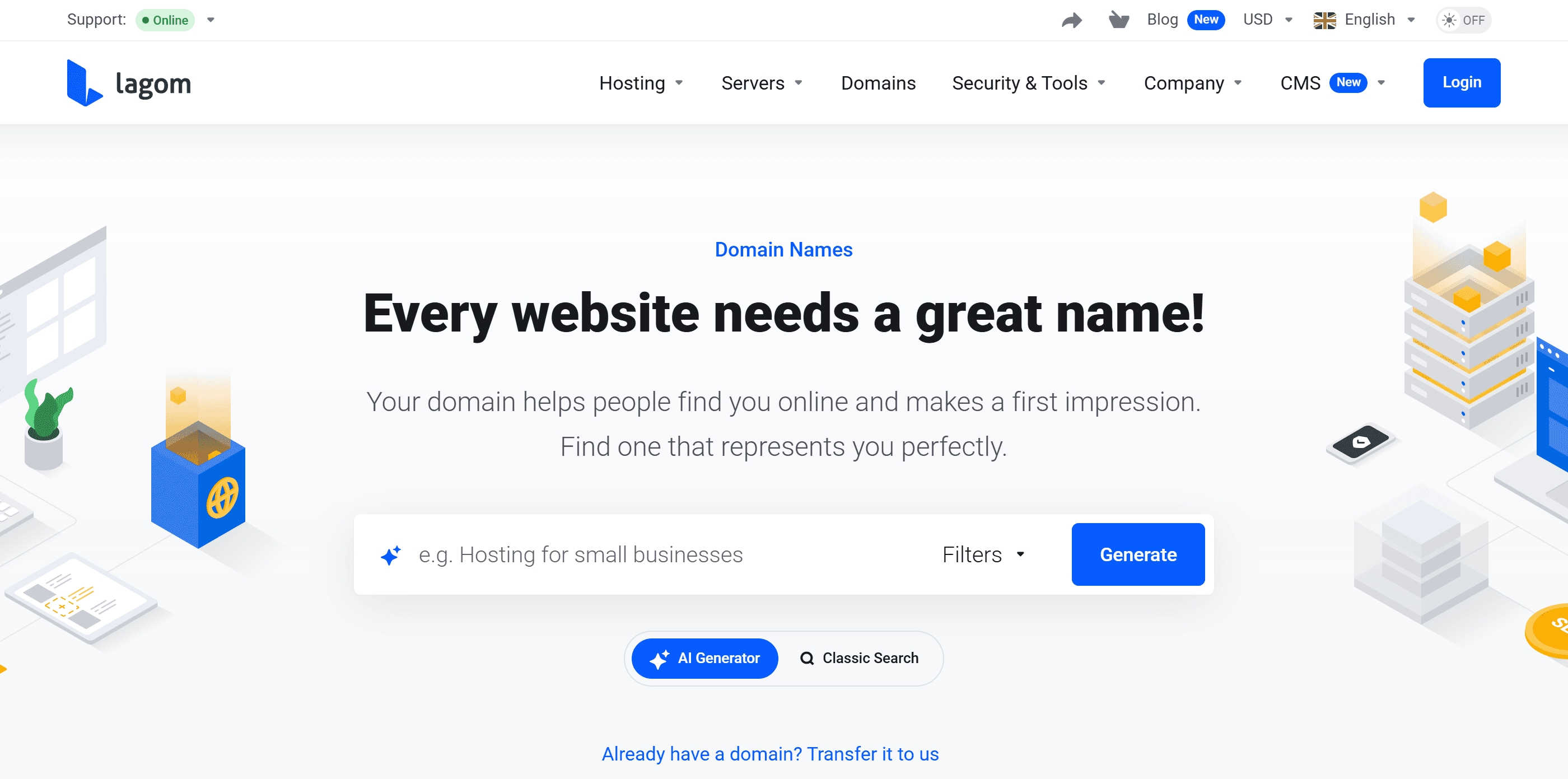
The Lagom WHMCS Website Builder also supports WHMCS AI-Powered Namespinning within its existing domain-related sections, commonly used across hosting and service websites With this update, the domain search components already available within the builder are now fully compatible with the WHMCS AI-powered domain suggestion system.
This means visitors can search for domains directly from pages built with the Website Builder and instantly receive AI-generated domain suggestions, creating a smarter and more engaging domain discovery experience right from your marketing pages.
See Full Changelog Get It Now!
Consistent Design and User Experience
While implementing support for AI-Powered Namespinning, our goal was not only to enable the feature but also to ensure it integrates perfectly with the design that Lagom is known for.
The functionality blends naturally into the Lagom interface, allowing customers to explore AI-generated domain suggestions within the same clean, intuitive environment used throughout the ordering process, as well as directly from pages created with the Lagom WHMCS Website Builder.
By combining the intelligence of WHMCS AI capabilities with the refined Lagom design system, providers can offer a domain discovery experience that is both powerful and visually consistent. Customers benefit from smarter domain suggestions, while your business maintains a professional, modern storefront that reflects the high quality of your services.
Update Today
If you are ready to improve your and your customers experience, proceed with update now. This release ensures better performance, continued compatibility with the latest WHMCS features, and an improved experience for both administrators and customers.
Here’s a quick summary of the steps to safely and correctly update our products. It is crucial to follow each step carefully, as skipping or missing any part of the process may result in unexpected issues or disruptions to your system.
Step 1: Enable WHMCS Maintenance Mode
Before starting the update process, activate WHMCS Maintenance Mode to prevent customers from accessing the system during the update. This ensures no transactions or changes are made while the update is in progress.
To enable Maintenance Mode in WHMCS:
- Log in to your WHMCS admin area.
- Navigate to Setup -> General Settings.
- Click on the Other tab.
- Locate the Maintenance Mode section, check the box to enable it, and provide a message to inform customers about the temporary unavailability.
- Save your changes.
Maintenance Mode will now prevent users from accessing the client area until it is disabled.
Step 2: Backup Your WHMCS Installation and Databas
Create a full backup of your WHMCS installation files and database. This is a critical step to safeguard your data in case any issues arise during the update process.
Step 3: Check Server Requirements
Before updating, ensure your server meets the following product requirements.
If some of below requirements won't be meet this could lead to incorrect update, which would lead to restoring your server and starting the update again.
- IonCube Loader: Version 14 or later.
- PHP Version: Supported versions are PHP 8.2 and PHP 8.3.
- max_execution_time: Must be set to at least 300 seconds.
- max_input_vars: Must be set to at least 5000.
- mod_rewrite: Must be enabled on your server.
- InnoDB database storage engine.
- Required PHP Modules:
- php-zip
- php-curl
- php-gd
- php-mbstring
- php-dom
Step 4: Perform the Update
Once the backup has been performed, and the server reuquirements has been checked, you can upload the files and start the update process.
Make sure that files won't be uploading using ROOT owner, as files and folders uploaded using root can not be overwritten by RS Themes addon. This will cause issues during update process, so please use different FTP account.
- Download the latest version of the product from the Client Portal.
- Extract the .zip file, which each product.
- Upload the content of the php8.1+ folder to your server, ensuring all existing files are replaced. Use FTP or your preferred file manager.
- Make sure that all the files has been correctly uplaoded and overwritten.
Next, follow the detailed instructions for each product outlined in our documentation:
Step 5: Contact Support if Needed
If you encounter any issues or have questions during the update process, please contact our support team for assistance. Provide details about the problem and any error messages you encounter for faster resolution.
By following these steps, you can ensure a smooth and successful update of our products.