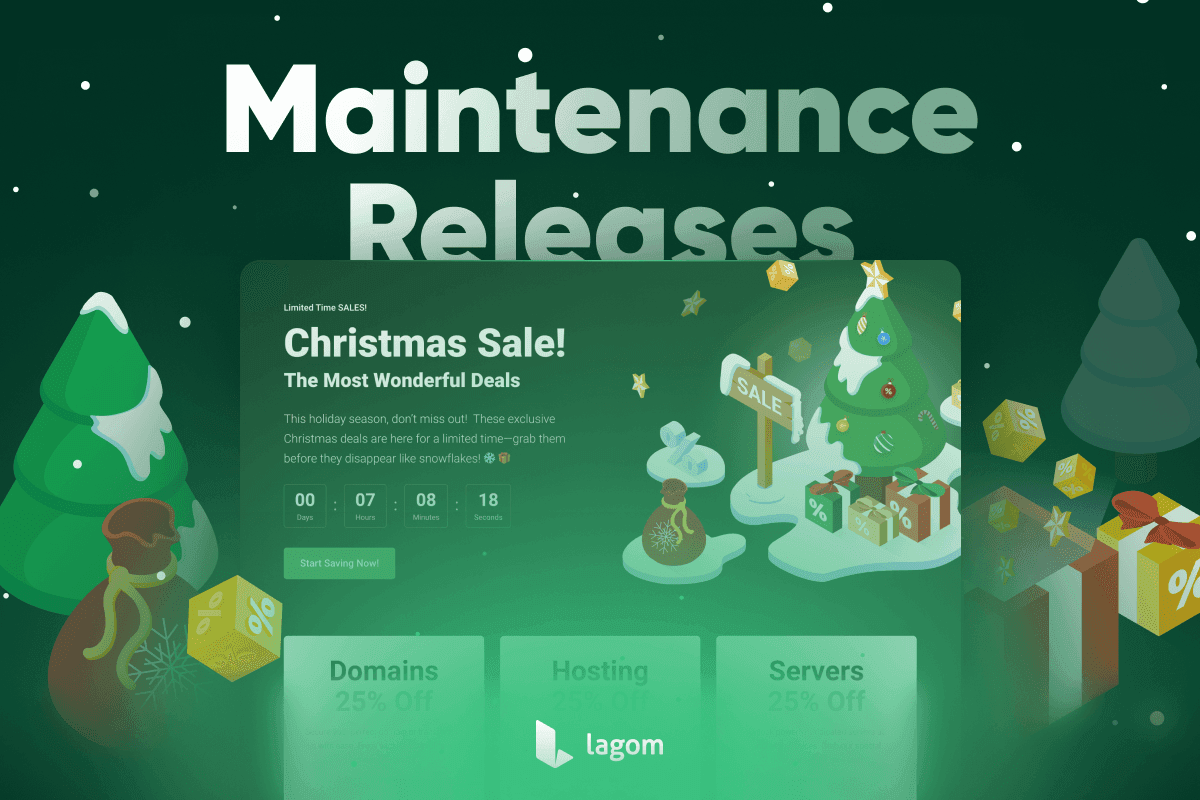
We are excited to announce new maintenance releases for Lagom Client Theme 2.3.1, Lagom Website Builder 1.1.1, and Lagom Client Notifications 1.2.1. These updates bring essential fixes, improvements, and exclusive assets for the Christmas Sale season, making it easier than ever to promote your offers.
Highlights of This Release
Lagom Client Theme 2.3.1
This update enhances the stability, functionality, and security of the Client Theme. Key improvements include:
- Fixes for Dark Mode, mobile navigation issues, and sorting in invoices.
- Updates to the Dynamic AJAX Tables to improve compatibility with various server types.
- Enhanced installation wizard with additional compatibility checks for smoother updates.
- Licensing checker improvements to prevent unnecessary license-related disruptions.
See Full Changelog Get It Now!
Lagom Website Builder 1.1.1
With this release, Lagom Website Builder gets new features and essential fixes:
- Predefined Christmas Pages allow you to quickly set up festive promotion pages with ready-made designs.
- Stock Control displays available stock dynamically on product pages.
- Disable CAPTCHA lets you easily remove CAPTCHA from pages generated by the Website Builder.
- Important fixes an issue where incorrect lines in the robots.txt file could block search engines. Update now to ensure proper functionality and protect your site’s SEO.
See Full Changelog Get It Now!
Lagom Client Notifications 1.2.1
The notification system has been improved with holiday-ready tools:
- Christmas Sale Notification includes predefined templates designed to enhance engagement and make your holiday promotions more impactful.
- Trigger on Click introduces a new option for manually triggering modals, ideal for creating custom, attention-grabbing promotions.
See Full Changelog Get It Now!
Get Ready for Christmas with Predefined Assets 🎄
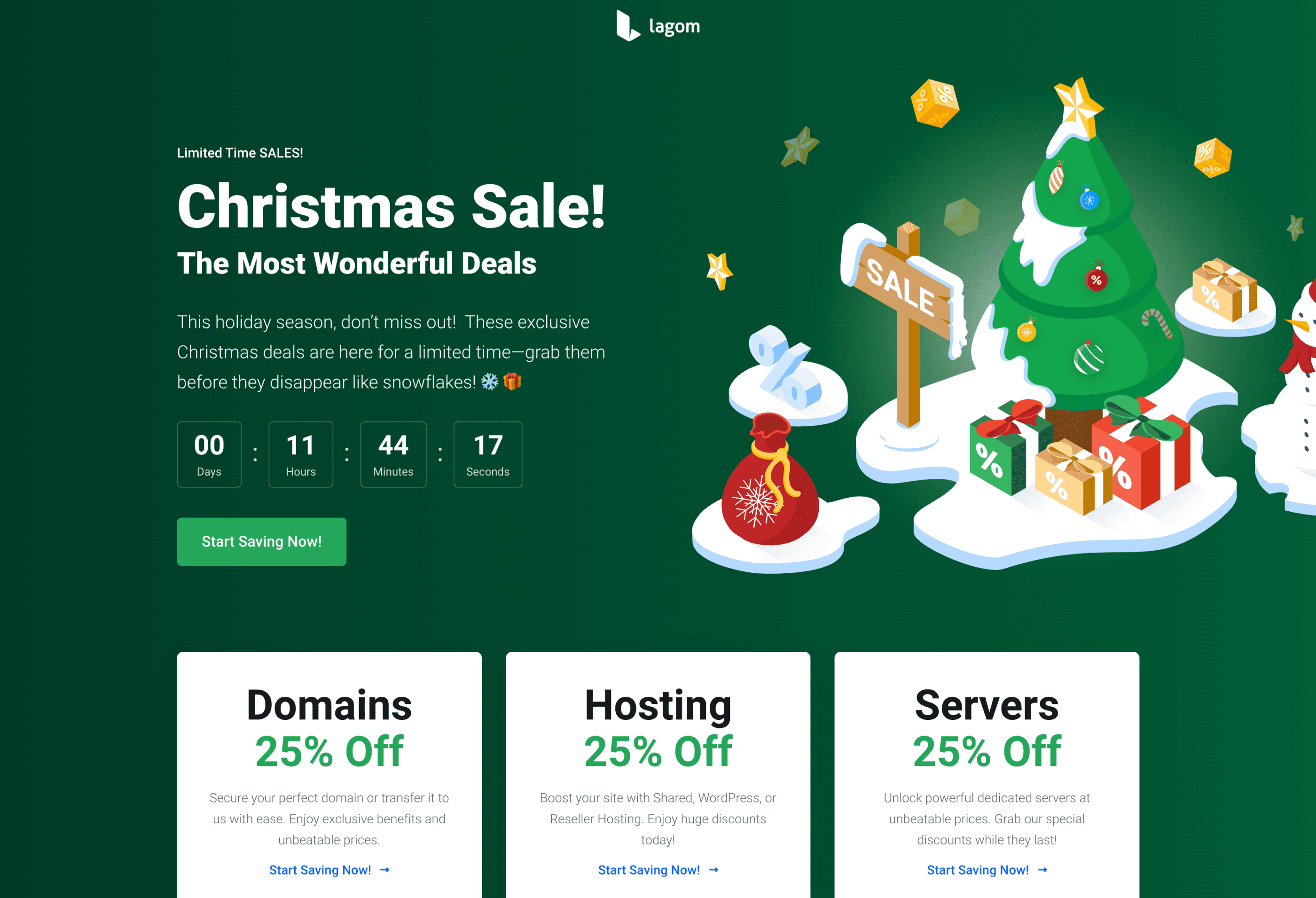
This holiday season, we’ve made it easier than ever to promote your sales with predefined promotion pages and notifications designed specifically for Christmas campaigns. These pages come equipped with exclusive, Christmas-themed assets, enabling you to create engaging and festive promotions effortlessly.
With these ready-to-use assets, you can focus on crafting visually stunning campaigns and maximizing your sales during the busiest time of the year. Upgrade now to take full advantage of these features and ensure your WHMCS setup is holiday-ready!
Social Graphics and Predefined Modals
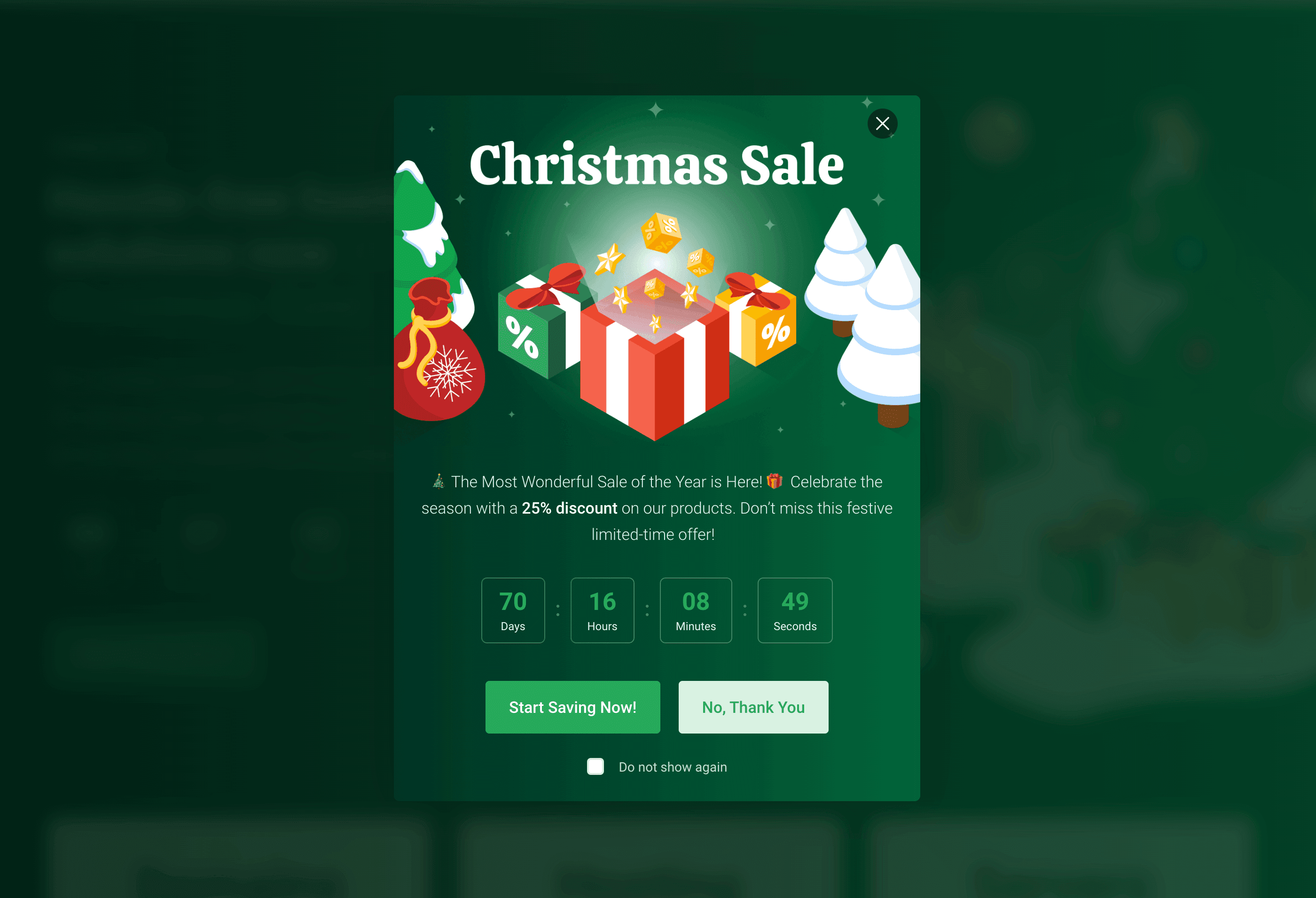
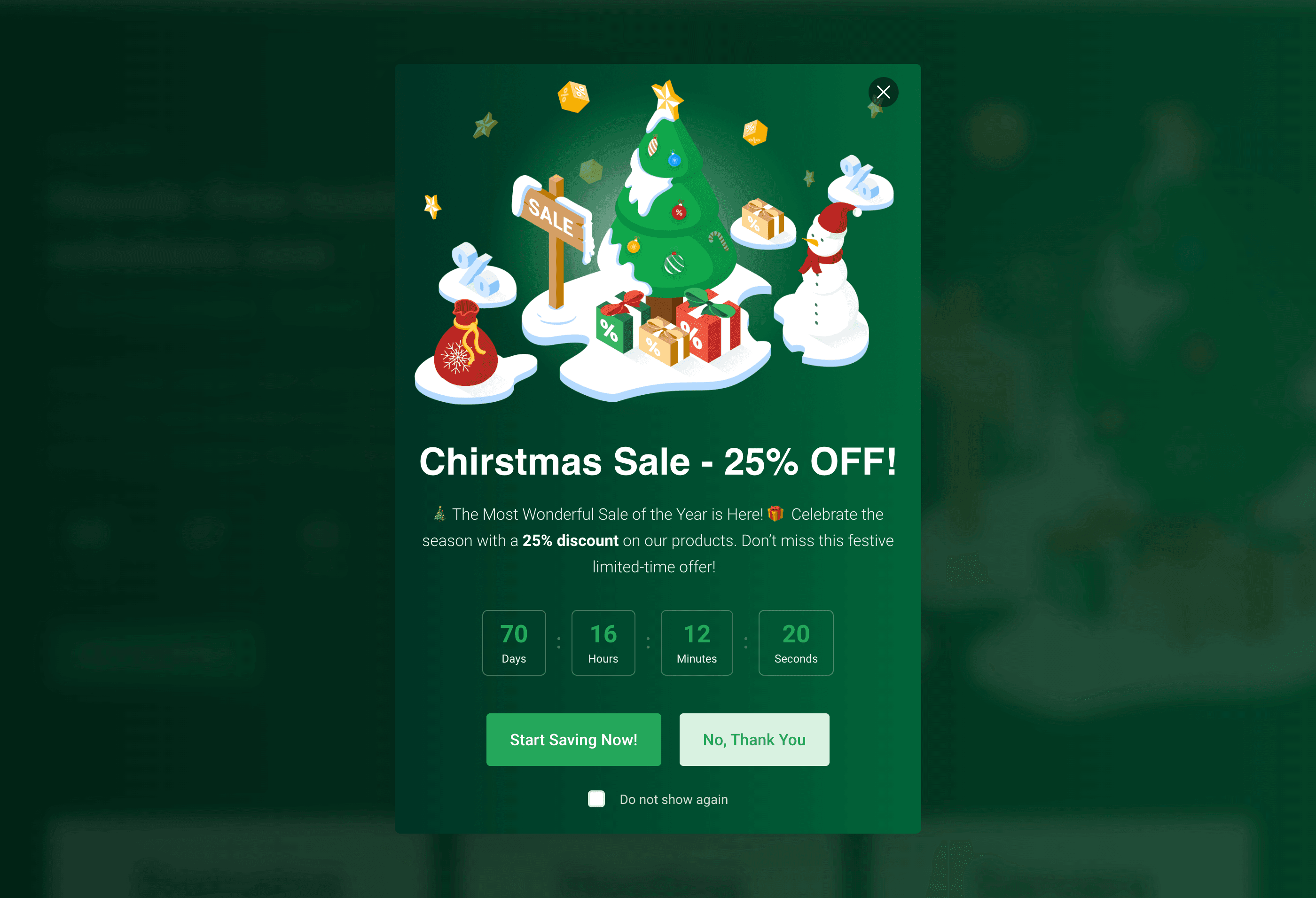
Our Lagom Client Notification extension features professionally styled Christmas graphics, perfect for sharing on social media to drive engagement. The package also includes pre-made modals that can be imported and implemented directly into your WHMCS installation. These tools are designed to make your holiday campaigns seamless, effective, and stress-free, allowing you to focus on growing your business.
Predefined Promotion Pages
Lagom Website Builder includes pre-made pages designed to effortlessly promote Christmas sales, as showcased below.
Styled Christmas Homepage
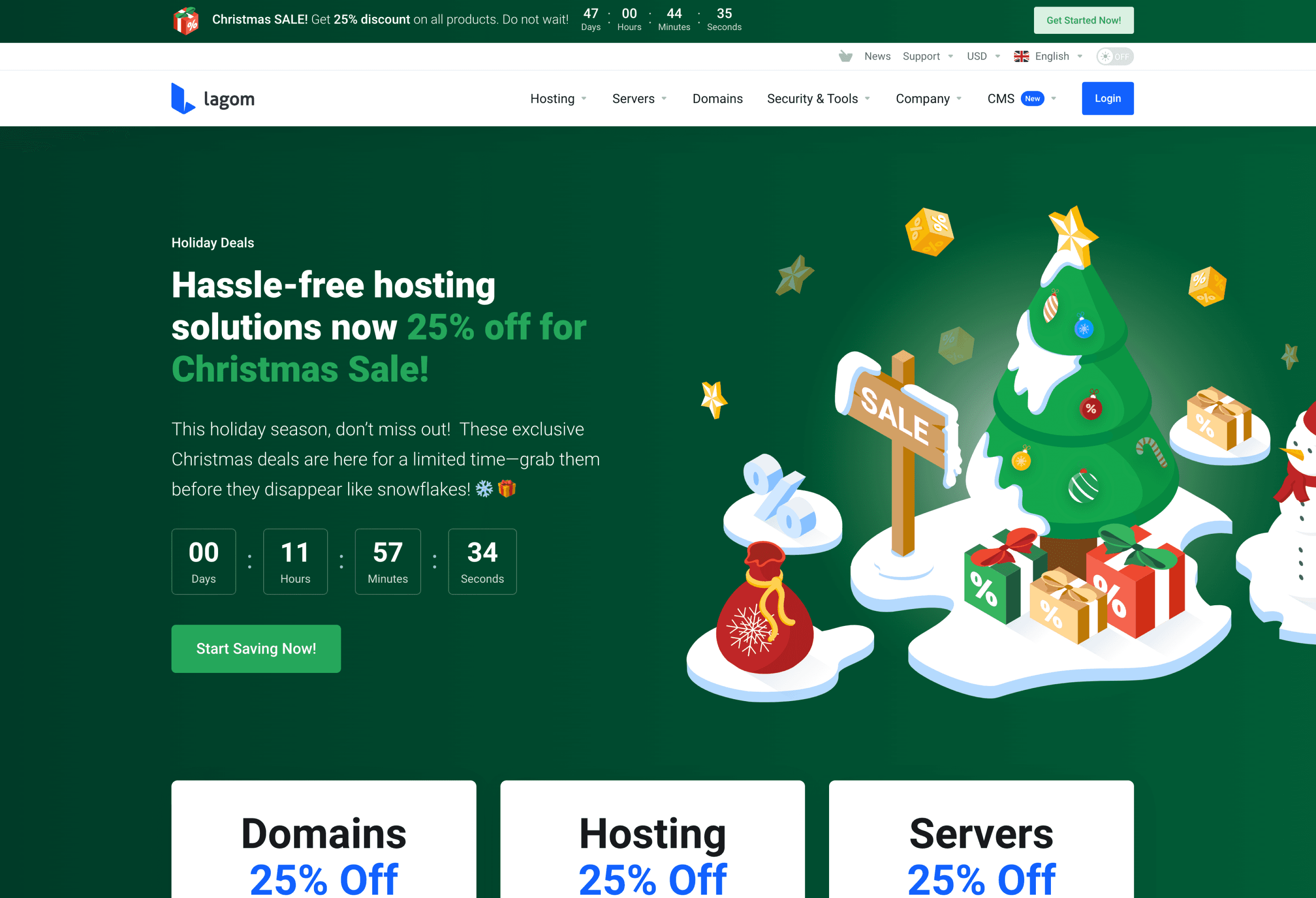
Christmas Promotion Page
How to Perform a Product Update
Here’s a quick summary of the steps to safely and correctly update our products. It is crucial to follow each step carefully, as skipping or missing any part of the process may result in unexpected issues or disruptions to your system.
Step 1: Enable WHMCS Maintenance Mode
Before starting the update process, activate WHMCS Maintenance Mode to prevent customers from accessing the system during the update. This ensures no transactions or changes are made while the update is in progress.
To enable Maintenance Mode in WHMCS:
- Log in to your WHMCS admin area.
- Navigate to Setup -> General Settings.
- Click on the Other tab.
- Locate the Maintenance Mode section, check the box to enable it, and provide a message to inform customers about the temporary unavailability.
- Save your changes.
Maintenance Mode will now prevent users from accessing the client area until it is disabled.
Step 2: Backup Your WHMCS Installation and Databas
Create a full backup of your WHMCS installation files and database. This is a critical step to safeguard your data in case any issues arise during the update process.
Step 3: Check Server Requirements
Before updating, ensure your server meets the following product requirements.
If some of below requirements won't be meet this could lead to incorrect update, which would lead to restoring your server and starting the update again.
- IonCube Loader: Version 13 or later.
- PHP Version: Supported versions are PHP 8.1 and PHP 8.2.
- max_execution_time: Must be set to at least 300 seconds.
- max_input_vars: Must be set to at least 5000.
- mod_rewrite: Must be enabled on your server.
- Required PHP Modules:
- php-zip
- php-curl
- php-gd
- php-mbstring
- php-dom
Step 4: Perform the Update
Once the backup has been perfromed, and the server reuquirements has been checked, you can upload the files and start the update process.
Make sure that files won't be uploading using ROOT owner, as files and folders uploaded using root can not be overwritten by RS Themes addon. This will cause issues during update process, so please use different FTP account.
- Download the latest version of the product from the Client Portal.
- Extract the .zip file, which each product.
- Upload the content of the php8.1+ folder to your server, ensuring all existing files are replaced. Use FTP or your preferred file manager.
- Make sure that all the files has been correctly uplaoded and overwritten.
Next, follow the detailed instructions for each product outlined in our documentation:
Step 5: Contact Support if Needed
If you encounter any issues or have questions during the update process, please contact our support team for assistance. Provide details about the problem and any error messages you encounter for faster resolution.
By following these steps, you can ensure a smooth and successful update of our products.